Your professor's lecture, not just their slides
Add a YouTube link, a recording, or slides plus audio. Recall Genie detects when the visuals change, captures the important slide or frame, and matches your professor's explanation to it — so the notes carry what was said, organized around what was shown.
Audio-only recordings work too: transcribed, structured by concept, and written up as clean sectioned notes.
Open Lecture Notes- Slide-by-slide speaker notes aligned to what was actually said
- YouTube, video, audio, or slides + audio — one workflow for all of them
- Exports that fit how you study: speaker-notes PDF, annotation PDF, plain text
- One step to Anki decks or an MCQ quiz from the same notes
- Bring your own transcript to skip transcription entirely
From document to deck
Upload lecture notes or readings and get a ready-to-import .apkg — Basic or Cloze cards, your choice of card theme, with figures and diagrams included where they help.
- PDF, PowerPoint, Word, and image uploads
- Vision/OCR for scanned pages and photos
- Batch generation on Pro
Exam-style practice, two ways
Generate original multiple-choice questions from your material — or upload an existing practice exam and get it back as a study deck: identical questions, correct answers found from the exam's own key or highlights, and an explanation for every option.
- Source-grounded questions with plausible distractors
- Answer keys and highlighted answers detected automatically
- Review depths from quick to comprehensive
Test visual memory
Recall Genie auto-detects labels on diagrams and figures and covers them with occlusion boxes you can fine-tune before exporting — built for anatomy, pathways, and any label-heavy material.
- Automatic label detection
- Full manual editing control
- Exports straight to Anki
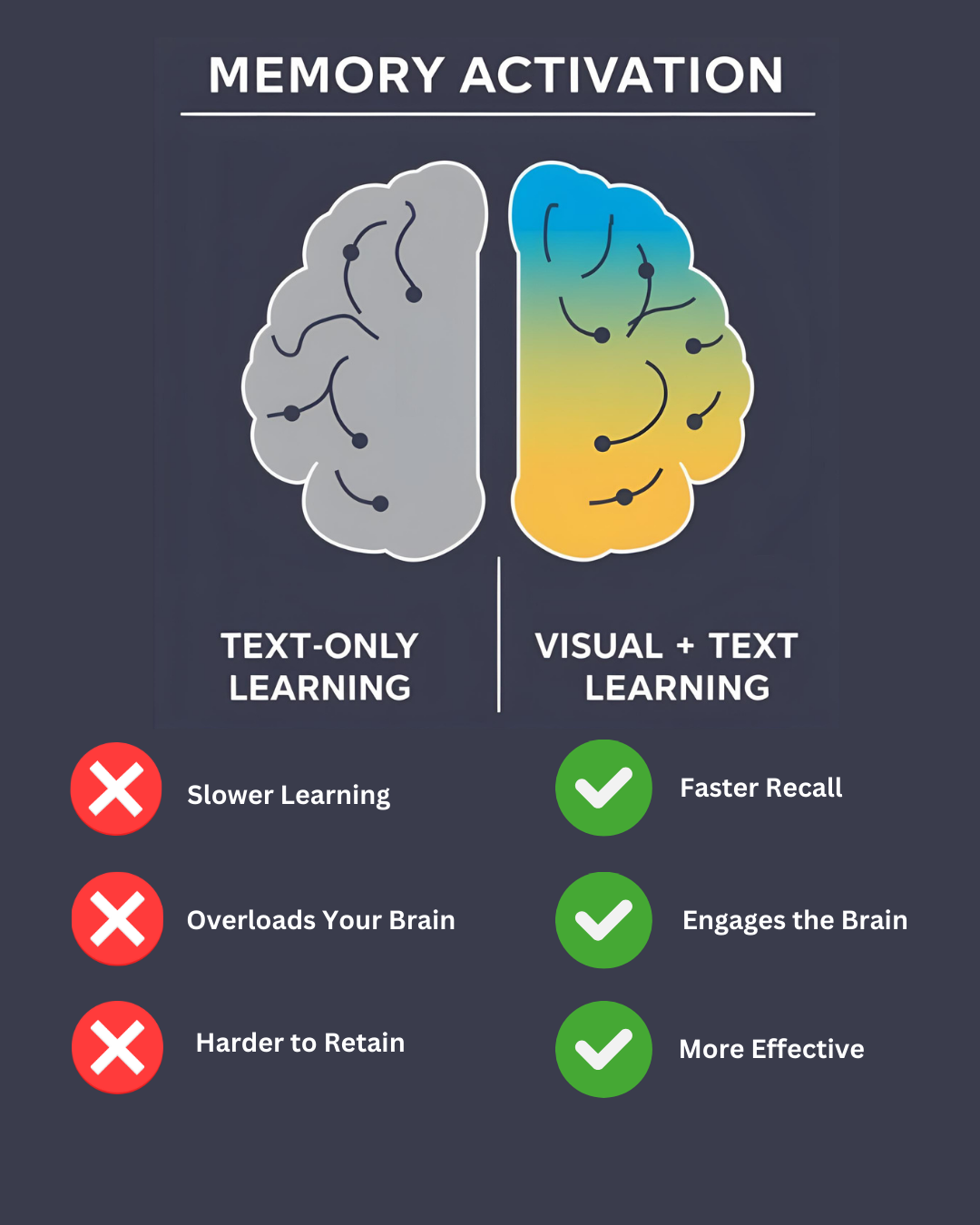
Why images on flashcards matter
Visual context activates more of the memory systems you'll rely on during an exam.