Video Demonstration
See how Recall Genie automates flashcard creation—freeing you to focus on actually studying.
Three Simple Steps
From notes to fully functional Anki decks—here’s all you need to do:
- Upload your PDF-formatted lecture slides or notes.
- Choose from multiple flashcard styles (Basic, Cloze, Image Occlusion, milesdownstyle).
- Export your deck to Anki and study instantly—no manual card creation required!
- Need more details? Click Here to view the Manual (PDF)
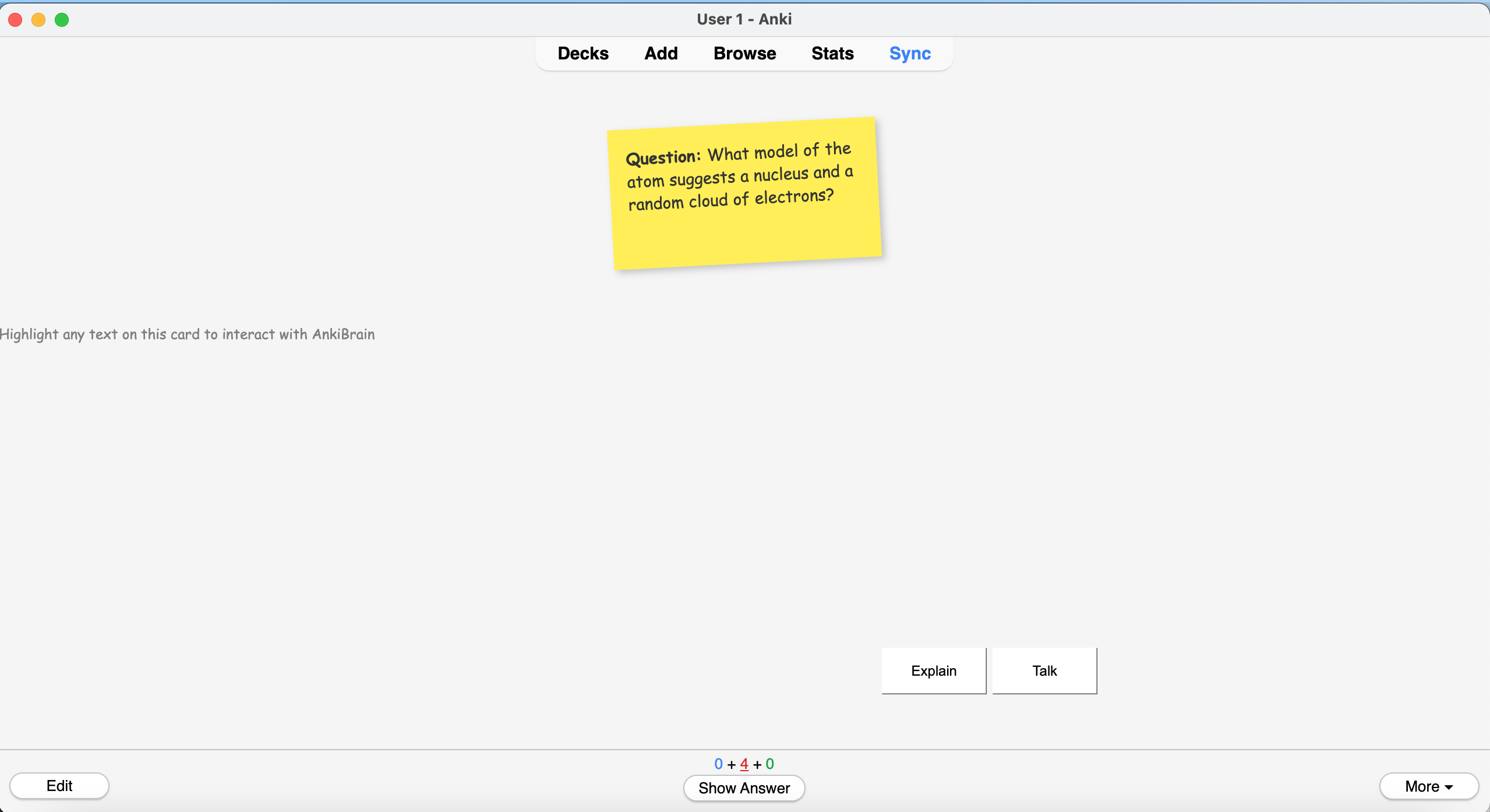
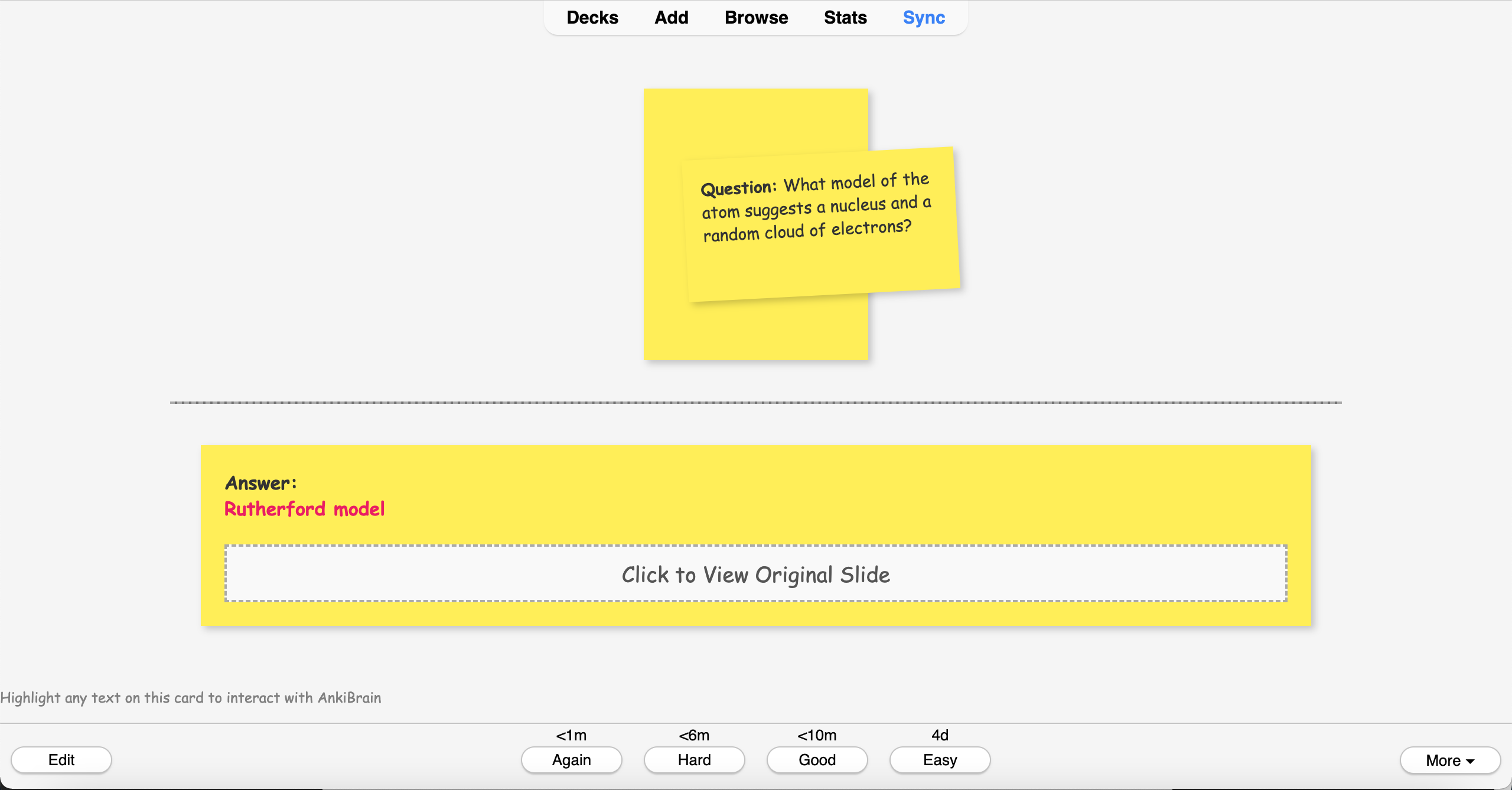
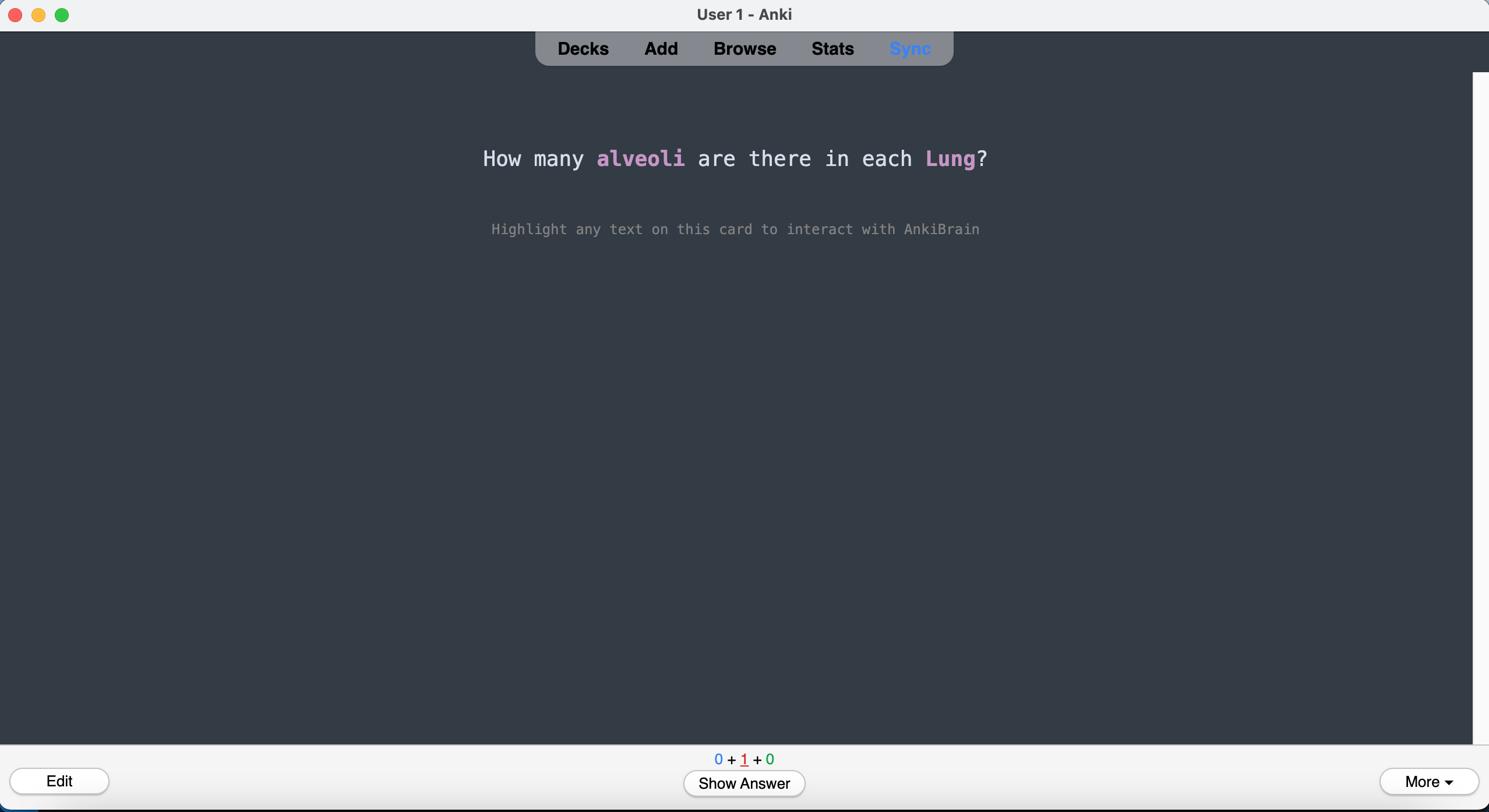
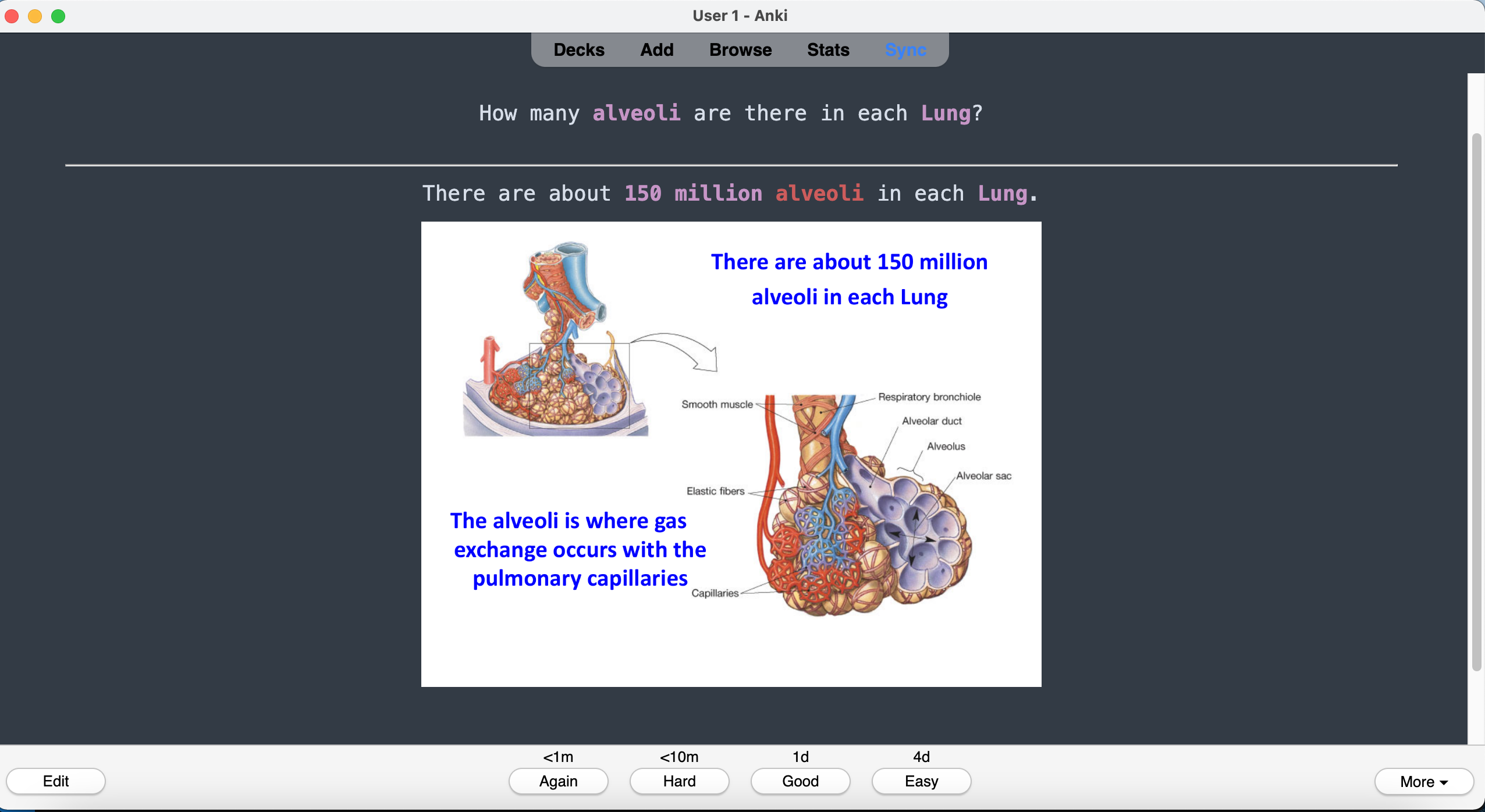
See Sample Anki Cards
Hover or tap any card below to flip it—click on a card to enlarge it for a closer look!
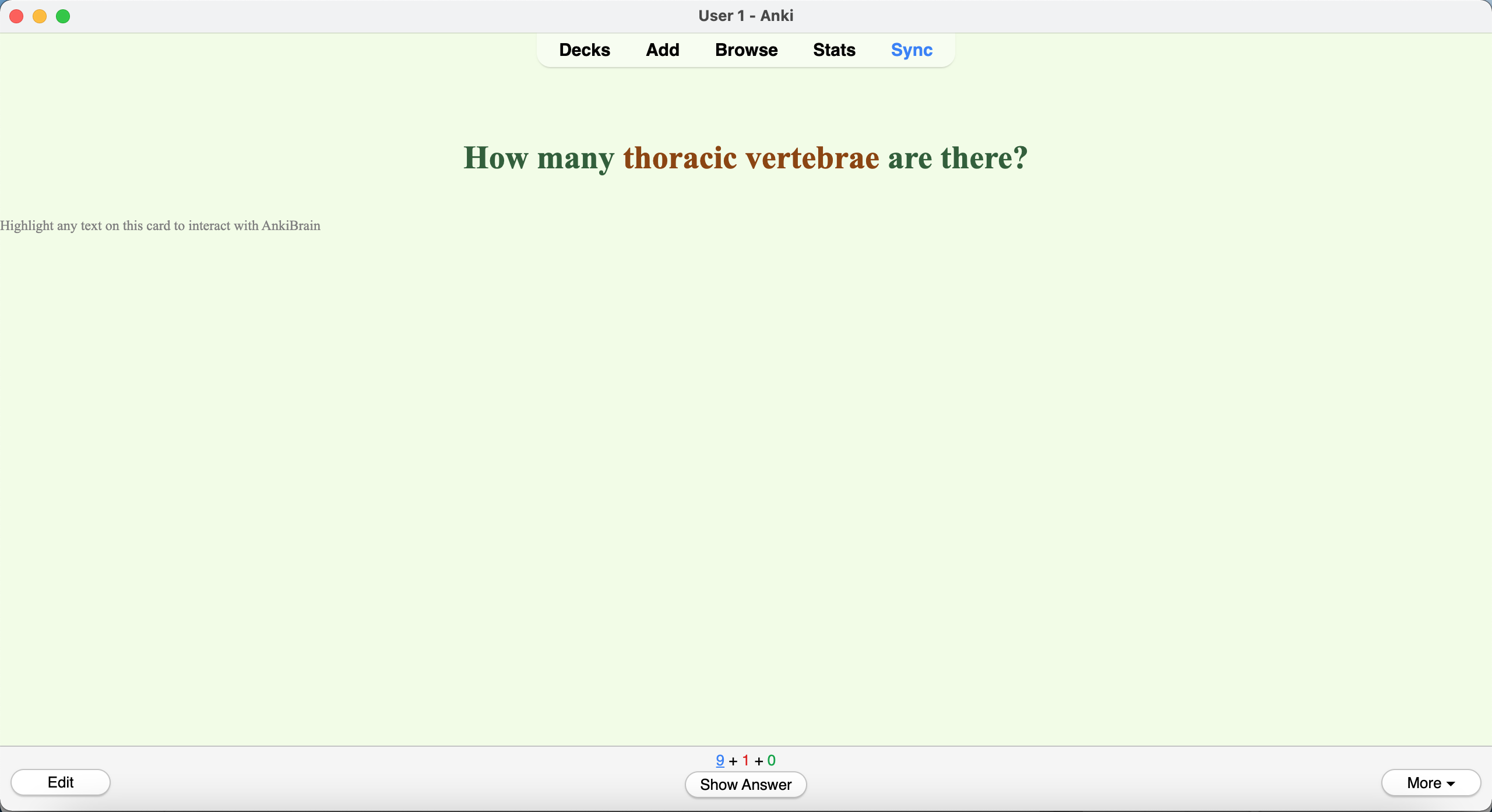
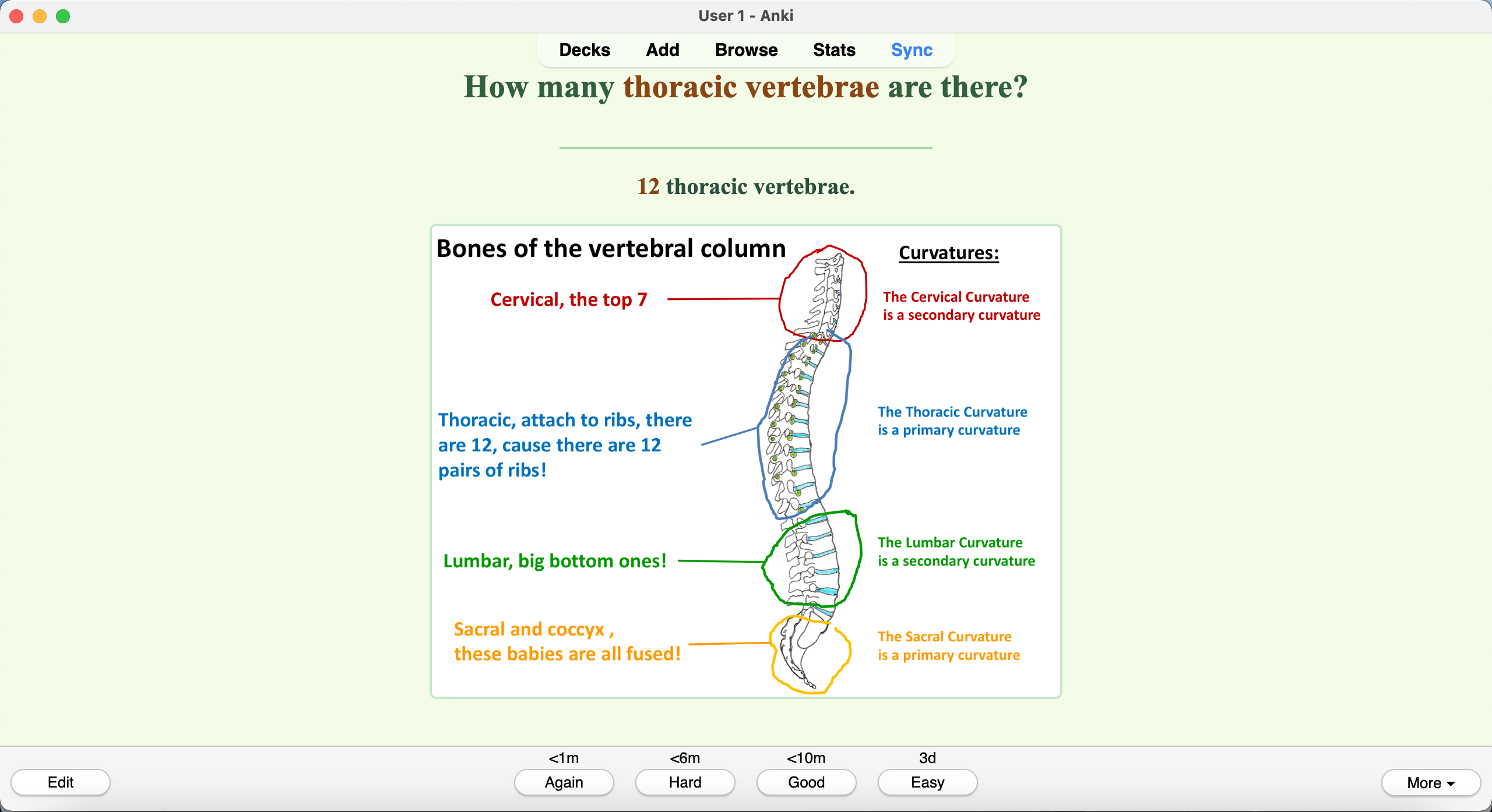
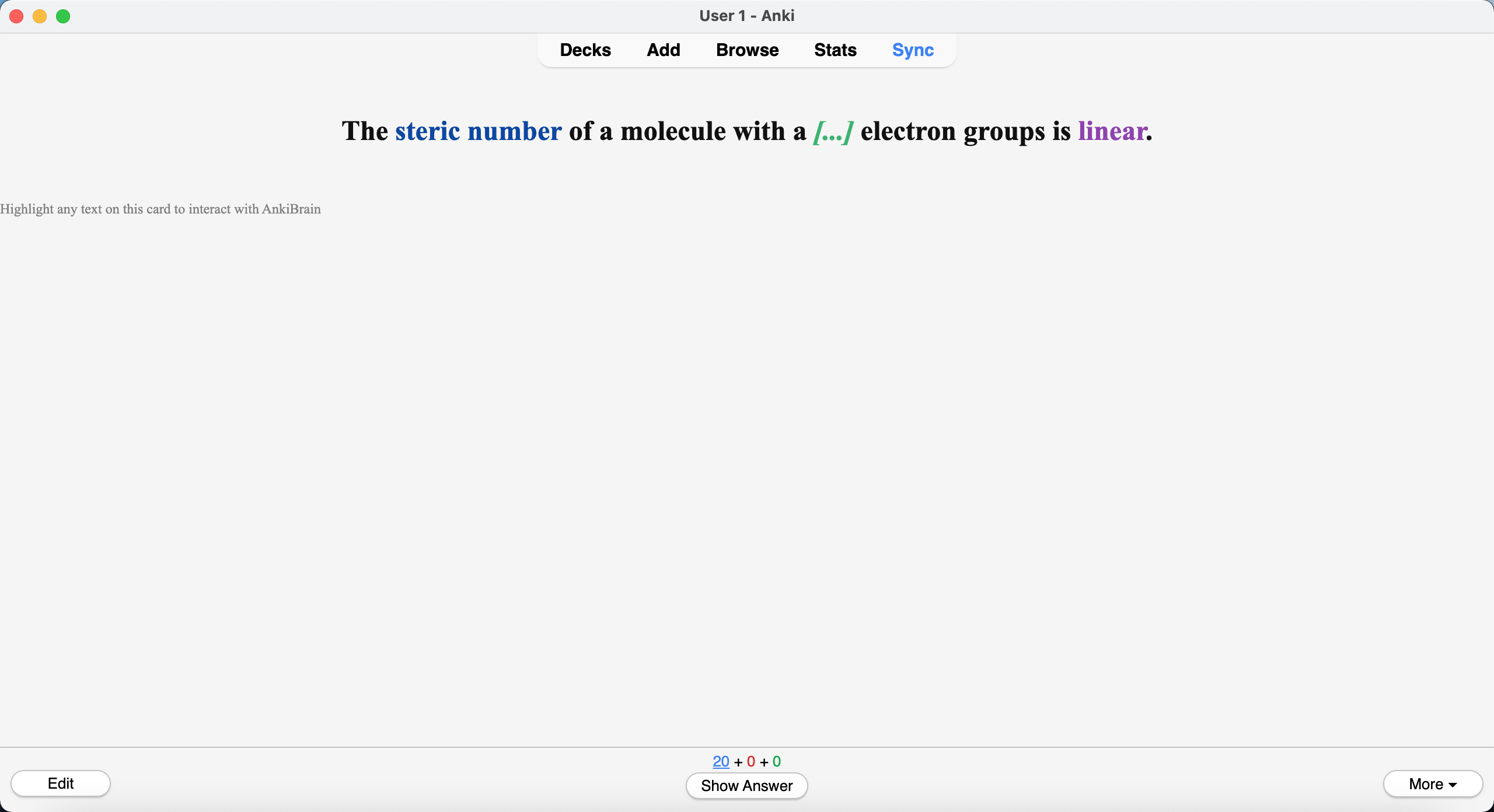
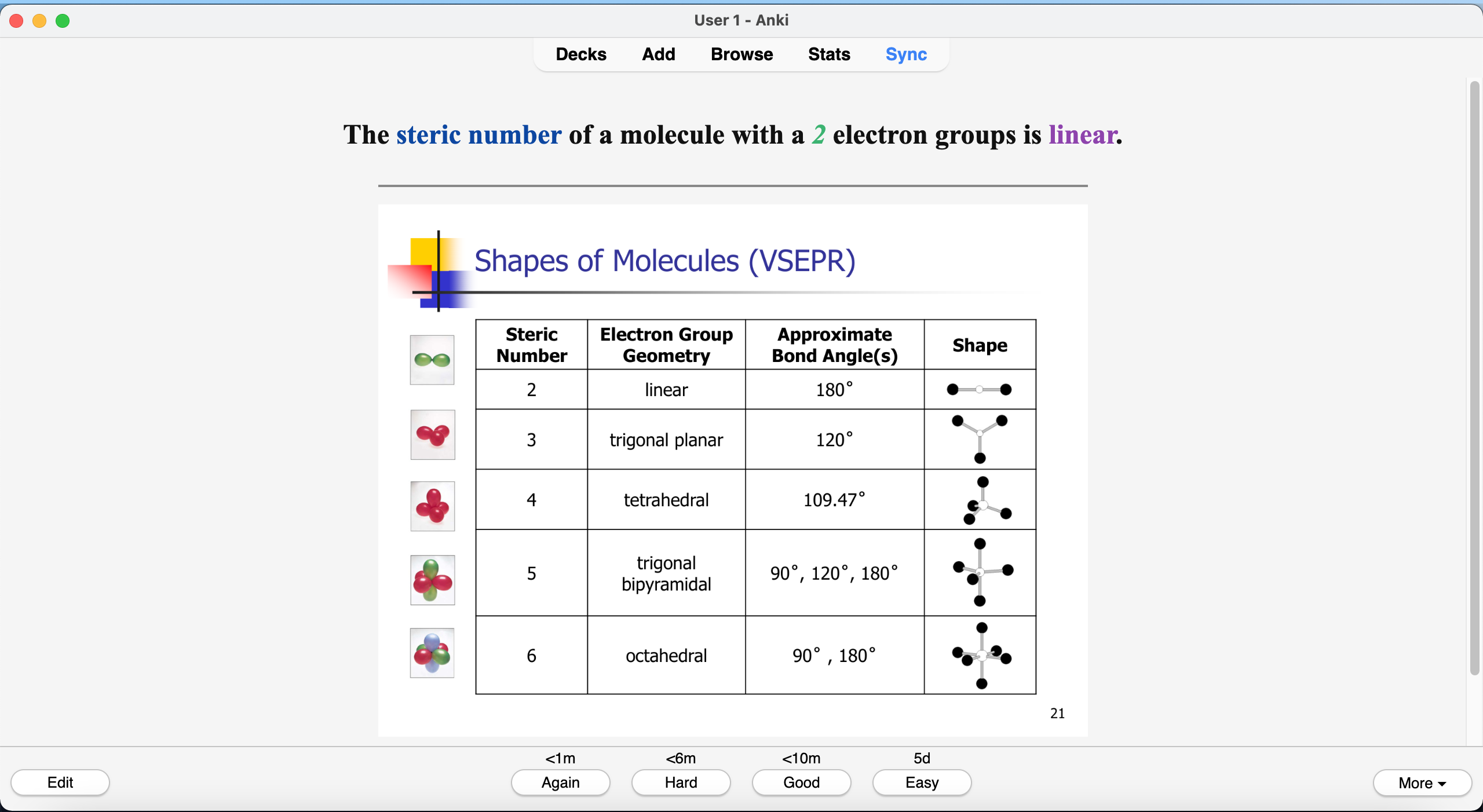
OCR-Driven Card Generation
Turn scanned docs/images into study-ready Anki flashcards—instantly. Recall Genie’s Vision/OCR reads text from scans, screenshots, and photos, while our vision pipeline understands diagrams and labels to craft coherent questions and answers that actually match the image.
- Scanned PDFs, worksheets, and handouts—no selectable text required.
- Diagram-aware prompts for anatomy, pathways, and labeled figures.
- Consistent logic: questions tied to image content; answers are accurate and clear.
- Automatic export to ready-to-study Anki decks.
Automated Image Occlusion (Auto + Manual Control)
Image Occlusion is one of the fastest ways to memorize diagrams—anatomy labels, pathways, charts, and any figure packed with names. Recall Genie makes it automatic: generate boxes instantly, then fine-tune anything manually before exporting to Anki.
- Auto-Box detection finds labels and creates occlusion boxes in seconds.
- Manual edit tools let you resize, move, add, or delete boxes for perfect coverage.
- Works for real diagrams: anatomy, biochem pathways, neuroanatomy, histology, graphs, and more.
- Export-ready Image Occlusion cards—study immediately in Anki.